
Creating a new booking for boarding or daycare
Boarding or daycare bookings can be booked either through the Owner Portal by the pet owner or you can enter the booking yourself.
From any screen in JungleChief you will see Booking icon on the top-right hand side of each screen. This will take you to the Booking screen where you can set up a booking for any module.
Click on + New Booking
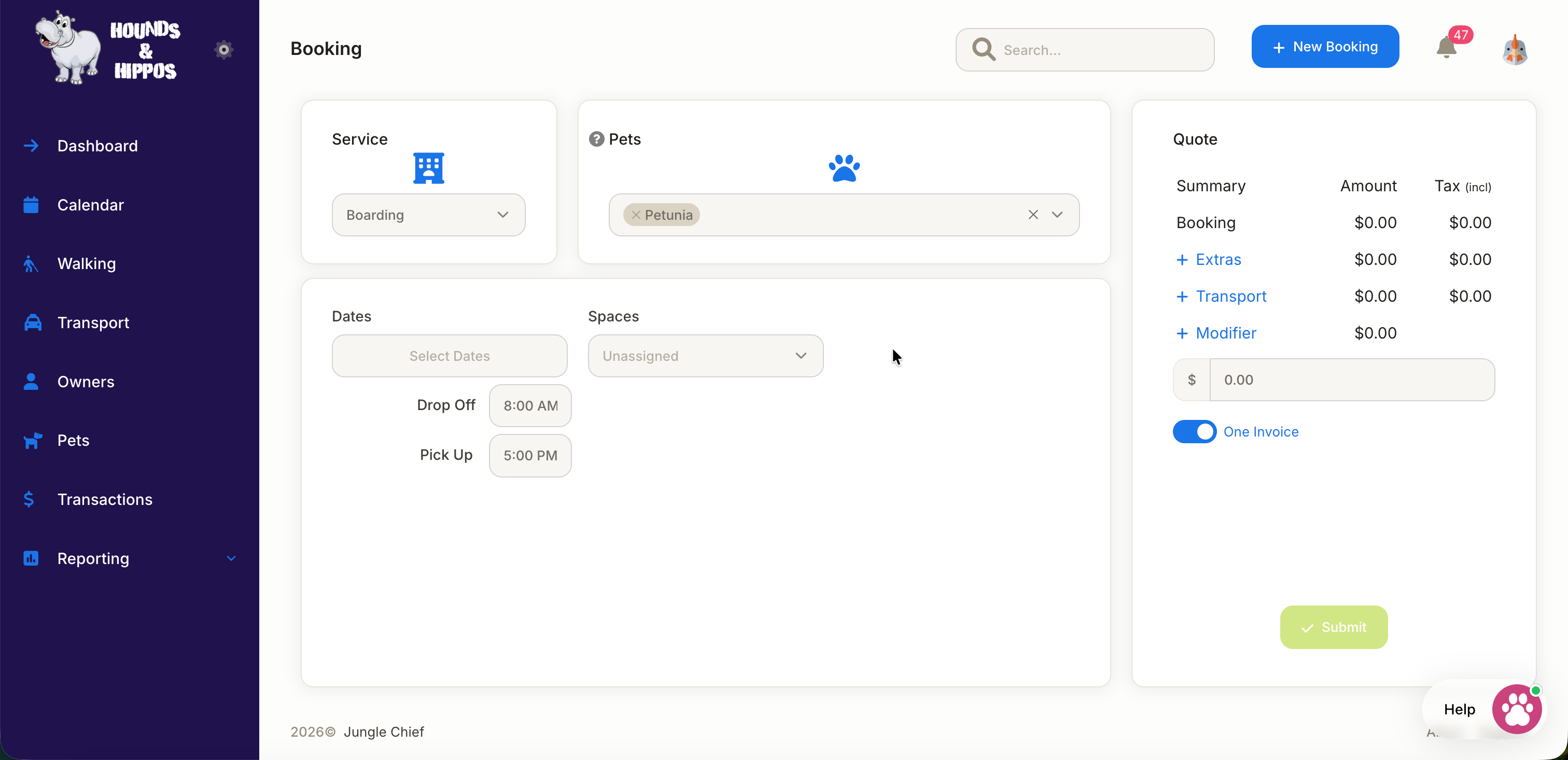
- Select the Service: Either Boarding or Daycare
- Select the Pet: multiple pets can be selected if owned by the same person. First select one of the pets, then drop-down and select additional pets.
- Select the date (or date range): if you're making a boarding booking, you can select a date range by selecting the first (check-in)date on the drop-down calendar and then selecting the second (check-out) date. If you're making a daycare booking, you can either select a single date or you can select multiple dates if needed.
- Spaces: If you use Spaces (which can be setup in the Administration menu) then you can select into which 'space' you're creating this booking for.
- Then Click Submit.